
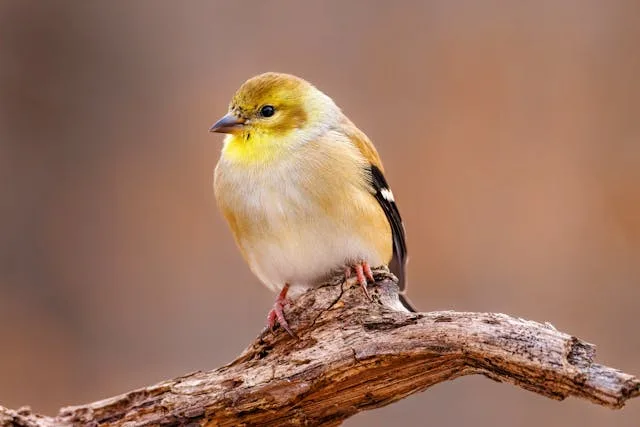
To get crisp photos and accurate AI identifications from a smart bird feeder, you need to optimize lighting, background contrast, camera orientation, and feeder stability. Because computer vision models analyze fine visual markers—such as eye stripes, bill shapes, and breast streaking—even minor optical distortions can lead to misidentifications.
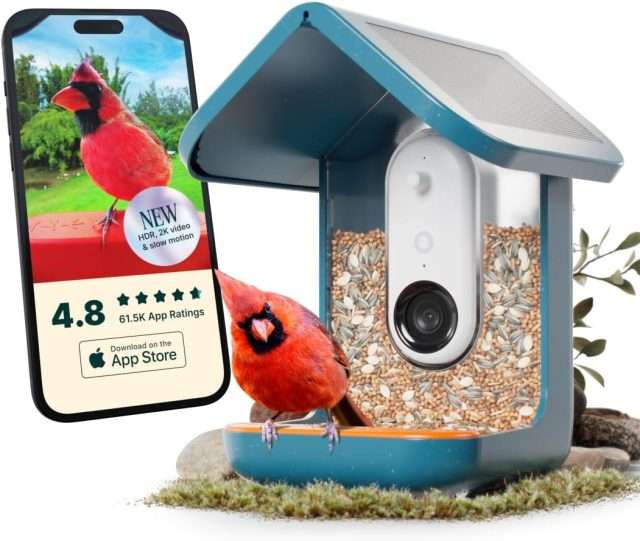
1. Optimize Lighting (Avoid Backlighting & Direct Sunlight)
Face the Camera North or South: Positioning the camera lens toward the north or south prevents the sun from shining directly into the lens at sunrise or sunset.
Avoid Direct Backlighting: If bright sunlight is directly behind the feeder, birds will appear as dark silhouettes. The AI model loses color data and fine streak patterns, often categorizing the visitor as an "unrecognized bird" or confusing it with a dark sparrow.
Aim for Soft, Diffused Front-Lighting: Place the feeder where natural morning or afternoon light falls onto the front of the perch. Soft, indirect sunlight highlights subtle plumage features without blowing out highlights or creating harsh shadows.
2. Choose the Right Background
Aim for Natural Texture & Depth: A background featuring trees, shrubs, or open sky provides natural depth and soft contrast.
Avoid Artificial Patterns & Straight Lines: Do not face the feeder directly toward siding, fences, brick walls, or windows. Repetitive geometrical lines can confuse object-detection algorithms. Additionally, window reflections can trick the motion sensor into recording empty frames or distorting colors.
Maintain Distance from Background Elements: Leave several feet of space between the feeder and any foliage behind it. This creates a shallow depth of field (a blurred, out-of-focus background), which isolates the bird and allows the AI to clearly distinguish its outline.
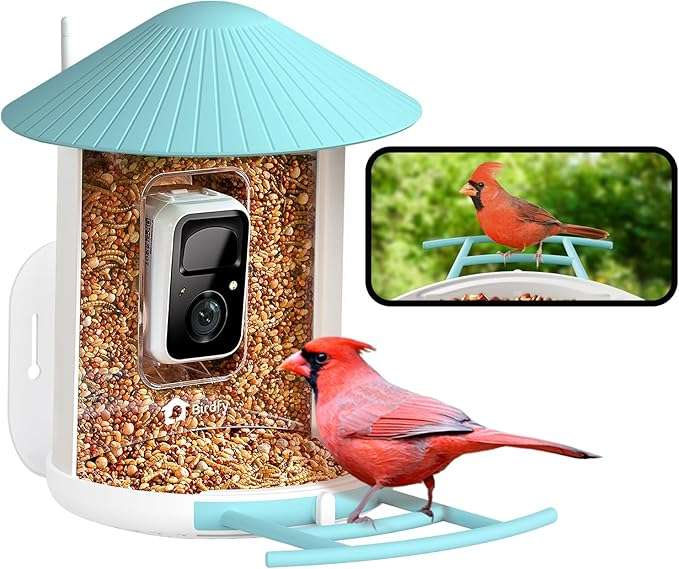
3. Ensure Physical Stability & Camera Calibration
Reduce Swaying: Hang the feeder from a rigid pole or mount it securely to a post rather than suspending it from a flexible, thin tree branch. Excessive swaying in the wind introduces motion blur, making fast-moving birds like finches and chickadees impossible for the camera to capture sharply.
Keep the Lens & Solar Panel Clean: Clean the camera lens regularly using a microfiber cloth to remove dust, pollen, and dried water spots. If your feeder utilizes a solar panel, ensure it receives direct sunlight free of tree shadows to keep the battery charged for fast shutter responses.
Check the Perch Angle: Ensure the perch area is completely clear of add-ons, oversized food containers, or tall guard rails that might block the bird's lower body, bill, or tail feathers. The AI requires a full view of the bird's silhouette and key diagnostic field marks to return a high-confidence match.

4. Provide Safe Surrounding Habitat
Place Near Safety Cover (10–15 Feet Away): Position the feeder within 10 to 15 feet of nearby trees or bushes. Birds feel far more comfortable posing calmly on the perch when protective cover is nearby, resulting in longer, stationary visits rather than frantic, blurry drop-ins.
Maintain Predator Safety: Ensure the feeder is mounted high enough off the ground (at least 5 feet) to prevent domestic cats from hiding beneath it, while keeping branches far enough away to deter jumping squirrels.
