
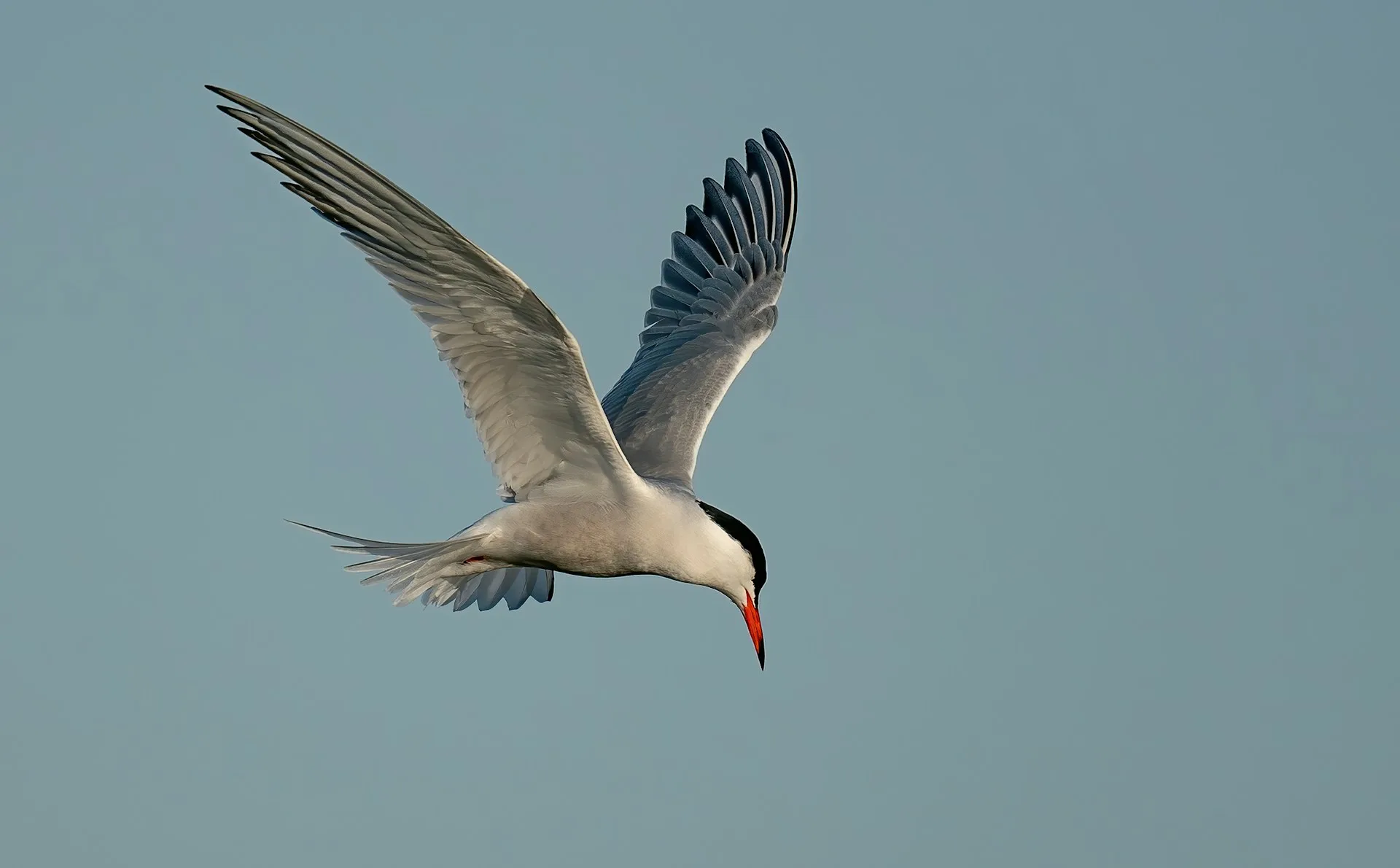
Let’s be honest: lugging a 10-pound telephoto lens through a humid Florida swamp or up a steep trail in the Rockies isn't for everyone. Most of us already have a powerful camera sitting right in our pockets.
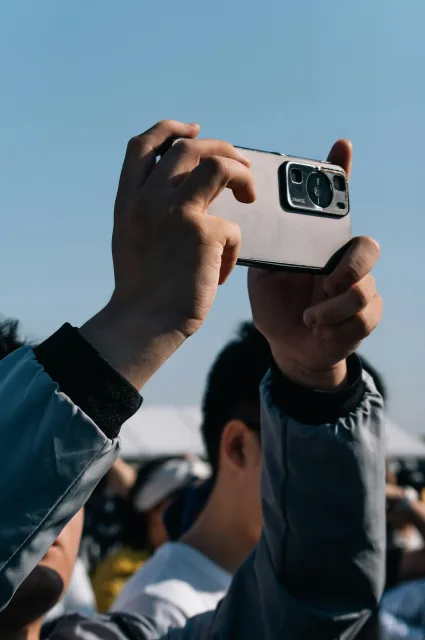
While smartphones used to be "bird-photography-adjacent," the 2026 generation of mobile tech—with AI-assisted zoom and multi-lens arrays—has changed the game. Whether you’re watching a Northern Cardinal at your backyard feeder or spotting a Great Blue Heron at a local wildlife refuge, here is how to get the best shot with your phone.
1. Master the "Digiscoping" Trick
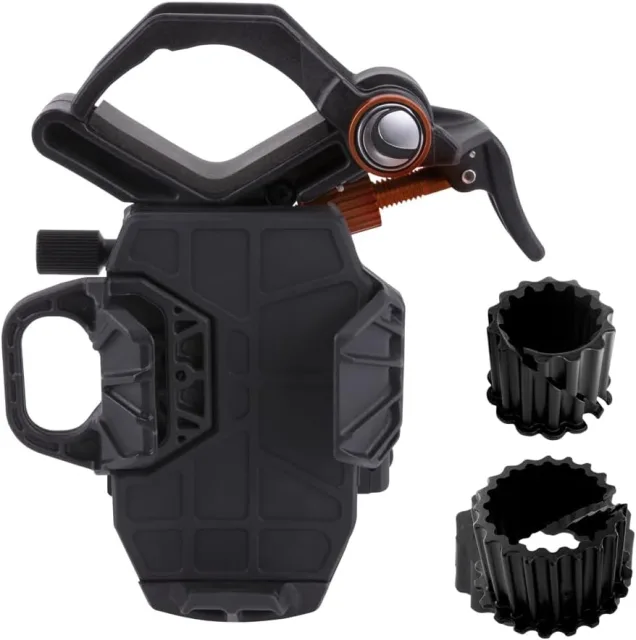
If you want National Geographic-level detail without the $5,000 price tag, digiscoping is your best friend. This simply means taking a photo through the eyepiece of your binoculars or a spotting scope.
The Gear: You can "freehand" it by holding your phone lens up to the eyepiece, but for sharp results, buy a smartphone adapter (like those from PhoneSkope or Celestron). It locks your phone into the perfect position.
The Benefit: Your 8x binoculars suddenly turn your phone into a powerful telephoto lens, allowing you to capture the fine feathers of a Mountain Bluebird from a safe distance.
2. Don't Just "Zoom"—Get Physical
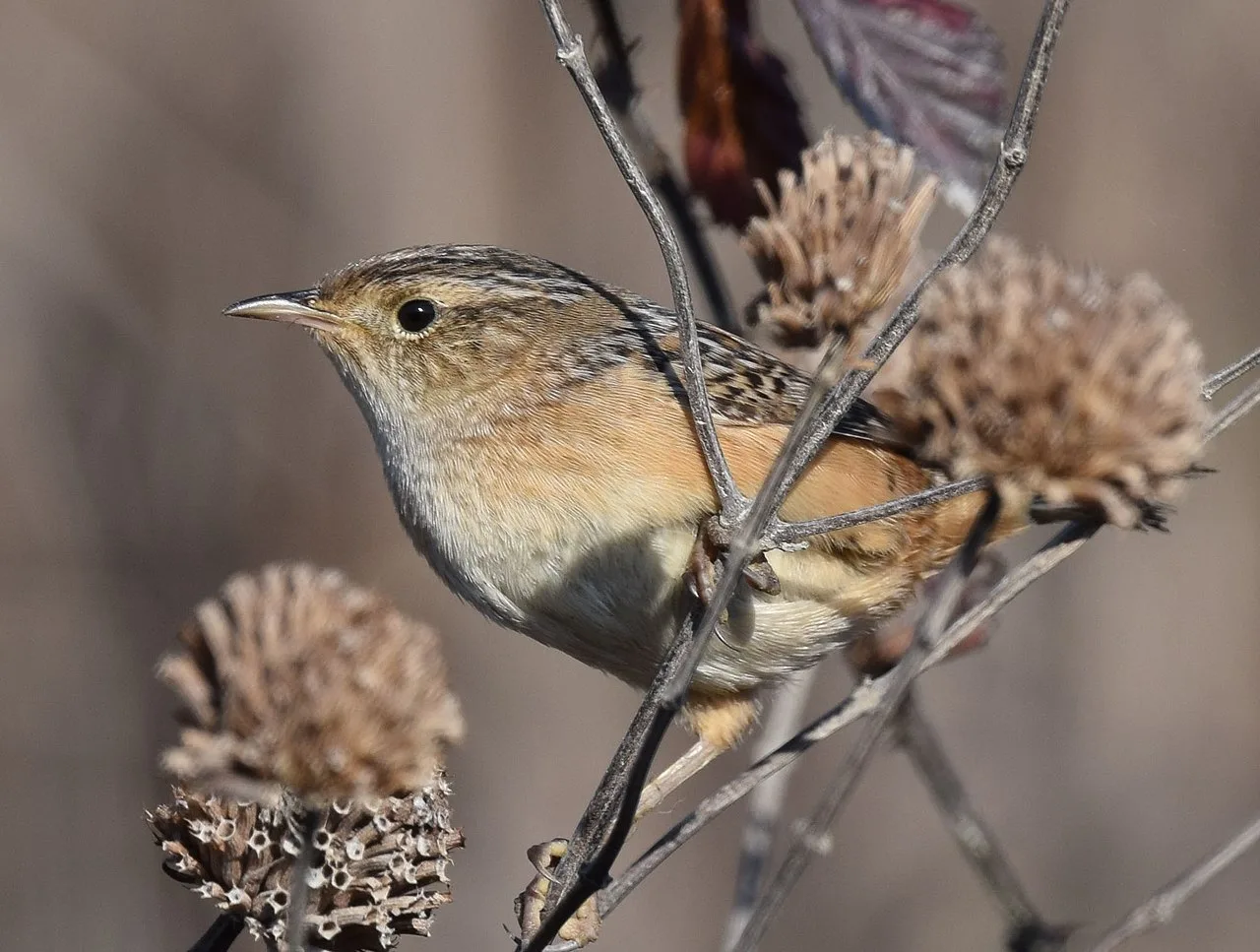
Most smartphone cameras use "Digital Zoom" once you go past a certain point (usually 3x or 5x). Digital zoom is just cropping the image, which leads to "pixel mush."
The Fix: If you can’t get closer physically, use your phone’s Optical Zoom only. If you have a high-end phone like the latest iPhone Pro or Google Pixel, stick to the preset zoom buttons (e.g., 2x, 5x) to ensure you’re using the actual glass lenses.
The Approach: Use the "Slinky Method." Move toward the bird slowly, diagonally, and stop whenever the bird looks at you. Patience often gets you closer than a zoom lens ever could.
3. Lockdown the Focus and Exposure
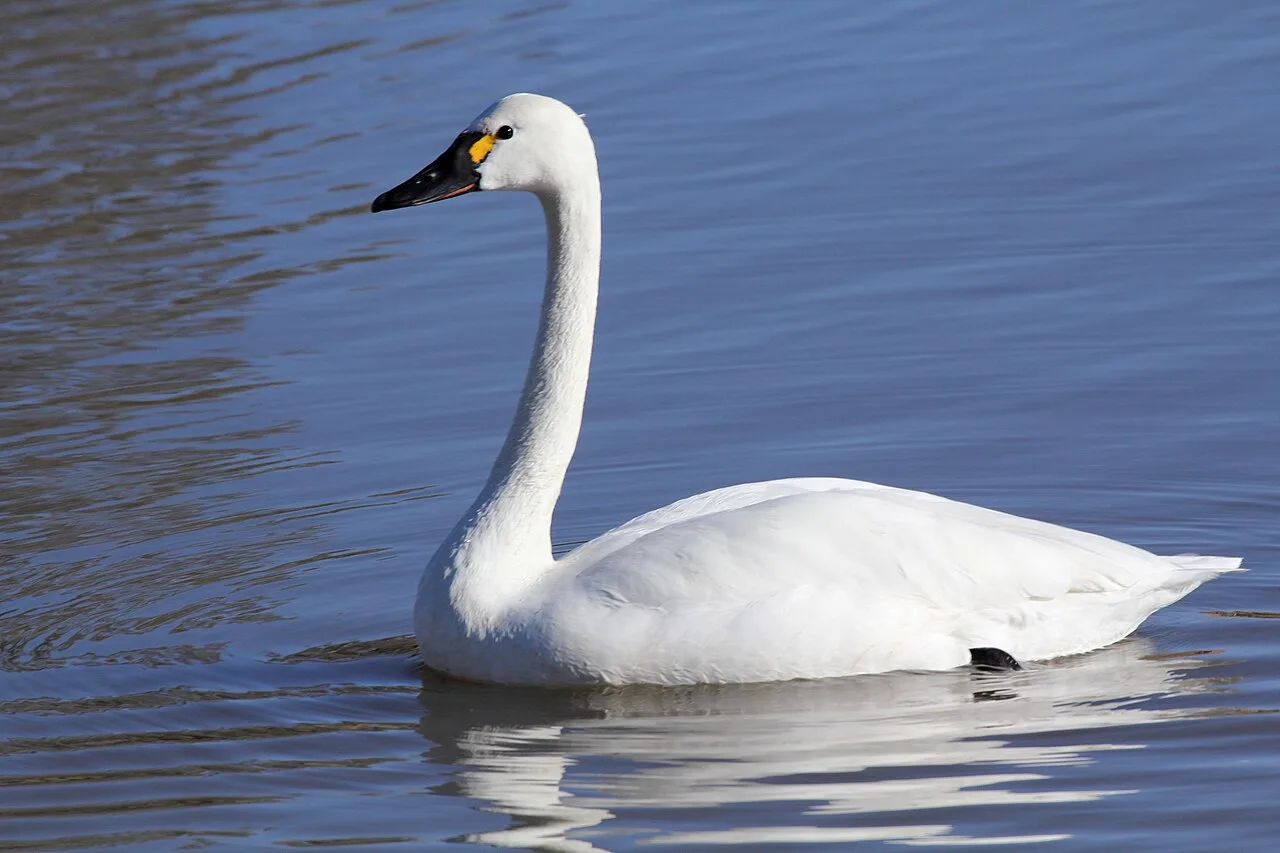
Birds are twitchy, and your phone’s "Auto" mode might try to focus on a branch instead of the bird.
AE/AF Lock: Tap and hold on the bird’s image on your screen until you see "AE/AF Lock." This locks the focus and exposure.
Slide to Dim: Once locked, a sun icon usually appears. Slide it down to slightly undraw (darken) the image. This prevents the bright whites on a Snowy Egret or the sky from "blowing out" and losing detail.
4. Use the "Burst" Mode
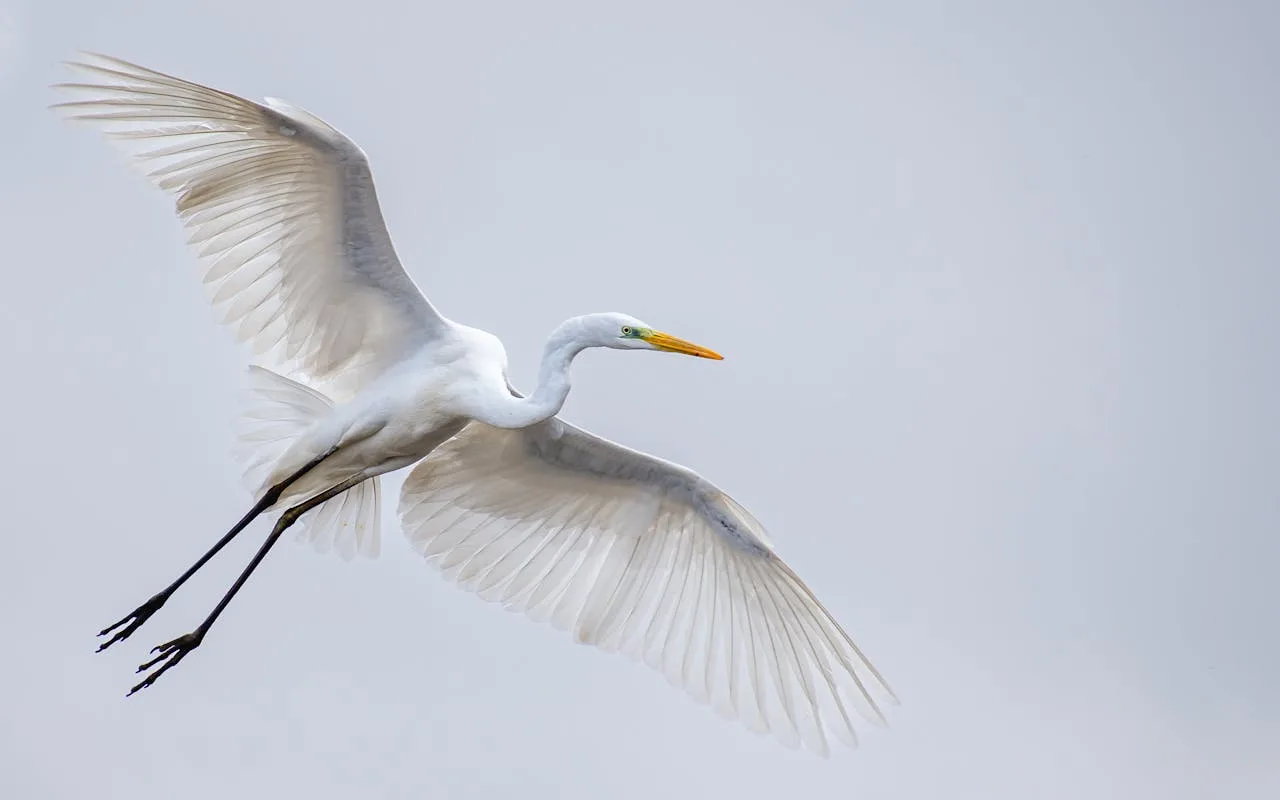
A bird’s best pose usually lasts a fraction of a second.
Action Shots: Hold down your shutter button (or volume button) to activate Burst Mode. This takes dozens of photos per second.
The Payoff: You’re much more likely to catch a Ruby-throated Hummingbird with its wings perfectly positioned or a Bald Eagle just as it takes flight.
5. Urban Birding: Your Secret Weapon
Wild birds in remote areas are often skittish. However, "habituated" birds in U.S. city parks are used to people.
Hotspots: Places like Central Park (New York), Echo Park (Los Angeles), or even your local Botanical Garden are goldmines.
The Advantage: Birds here will often let you get within 10–15 feet, which is the "sweet spot" for smartphone sensors.
6. Ethics: The Bird Comes First
In the age of social media, it’s tempting to do anything for "the shot." But a responsible birder knows that no photo is worth a bird’s safety.
Keep Your Distance: If a bird stops feeding, starts alarm-calling, or stretches its neck to watch you, you are too close. Back up.
No Flash: Never use a flash on a bird, especially owls or nesting birds. It can temporarily blind them or reveal their location to predators.
Mind the Nest: Never approach a nest for a photo. Disturbance can cause parents to abandon their chicks.
Pro Editing Tip
Once you have your photo, don't just post it! Use a free app like Snapseed or Lightroom Mobile.
Crop for Composition: Use the "Rule of Thirds" to place the bird slightly off-center.
Selective Sharpening: Just sharpen the bird's eye and beak to make the photo pop.
What was the last bird you caught on your phone? Tag us in your photos or tell us about your best "accidental" bird masterpiece in the comments!
